







SAMSUNG M62 Farm 6+128Gb
CPU:Exynos 9825
Configuration: 6G+128G
Android:11
Customized products cannof be returmned after the order is placed. A test video willbe recorded before shipment.
The generaldelivery time is 5-7 working days. Please arrange your time reasonably
${{shopModel.rebate>0?shopModel.discountPriceStr:shopModel.formattedAmount}}
$ {{shopModel.formattedAmount}}
Like
{{item.name}} {{item.imgVal}}
Quantity:
Estimated Delivery Date: Oct 19 - Oct 19
Frequently Asked Questions
How can I contact customer service?
Do you ship overseas?
How long will it take to get my order?
Specifications
{{item.name}}
{{item.value}}
Phone Farm
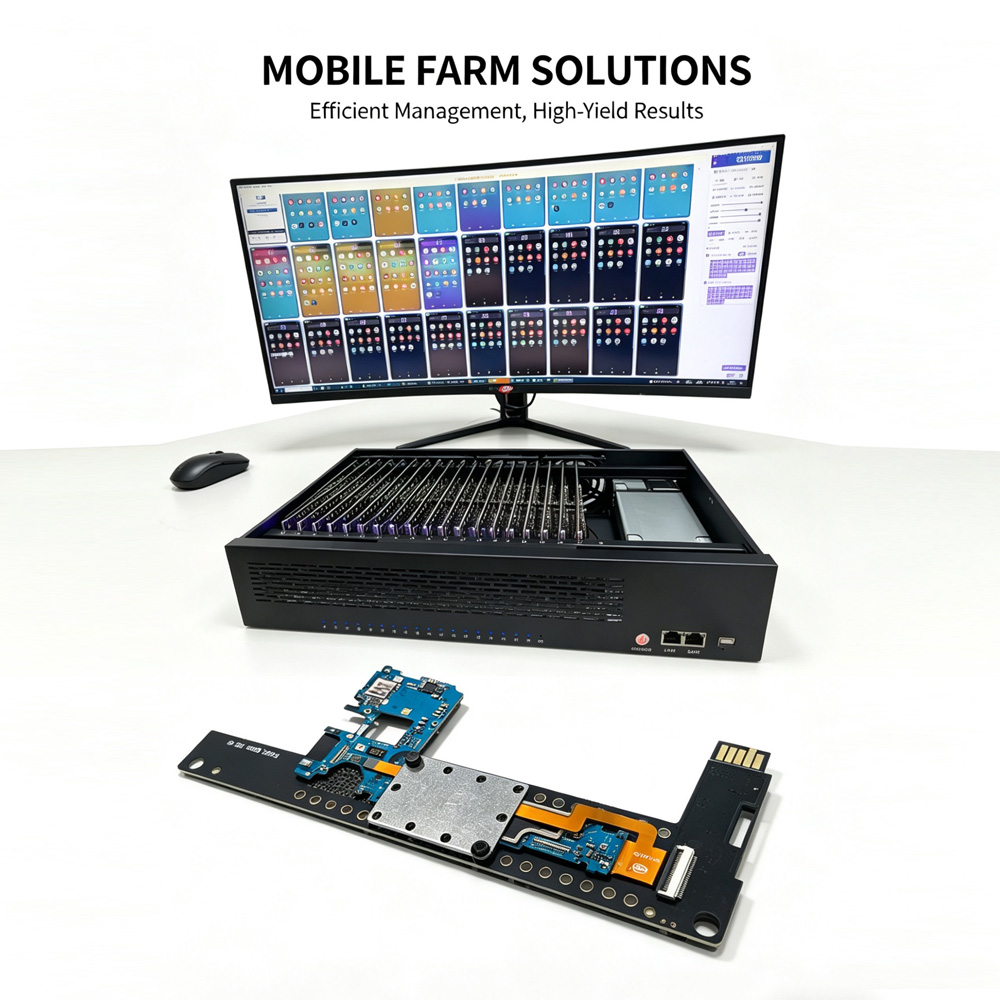
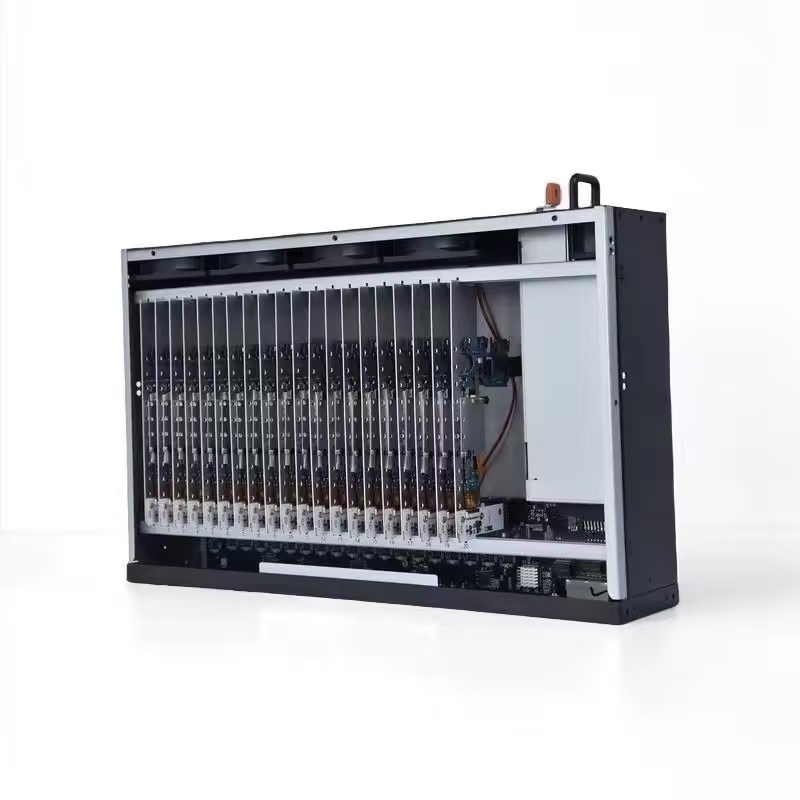
Phone Farm Box is a mini computer consisting of a special chassis (board) with slots for smartphones or phone motherboards with centralized power supply, from which the batteries have been removed (which is safer and allows phones to operate 24/7 without the risk of fire).
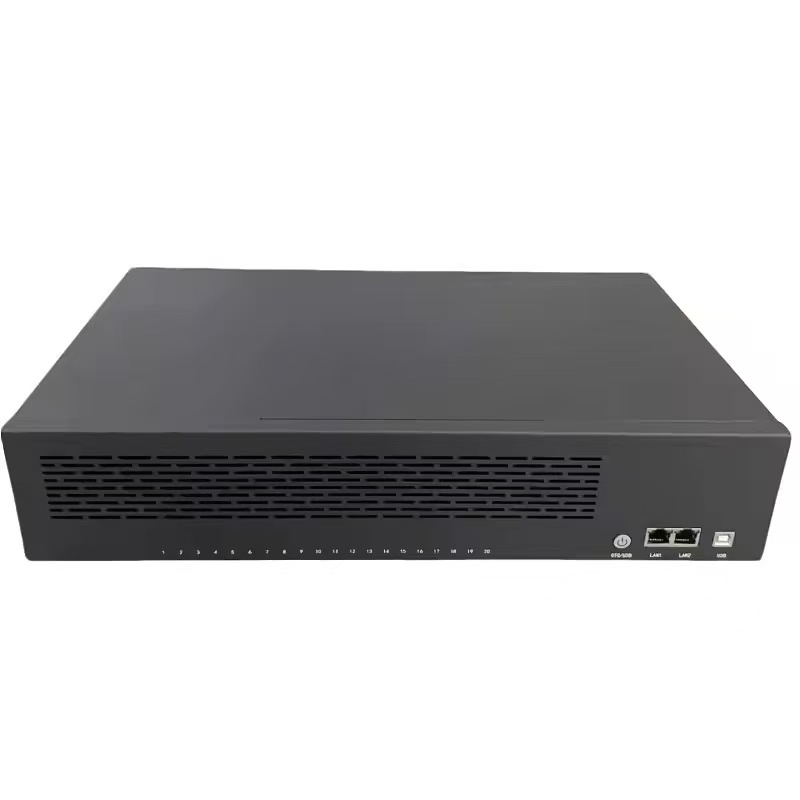
One phone farm box includes 20 phones of SAMSUNG M62. To work with the farm, you just need to connect it to your computer via a USB or Ethernet cable and run the management program. For management or automation, you can use any software that works via ADB. We provide free software for managing phone farms.
SIM card support.
All devices in the farm are, by default, separate mobile phone motherboards without SIM card signal modules.
After selecting the SIM function, a mobile phone middle frame and a SIM/GMS signal module will be added individually for you.
SIM support means that the device supports the installation of SIM cards, just like a regular mobile phone. You can use SIM cards to access the Internet and to send and receive text messages.
Screen
By default, phones are installed in the box without screens, but if you need screens for any purpose, you can select an additional option when purchasing. Working screen: refers to the screen that can display images and touch normally, but they may have some cracks or leaks, or lines.
Camera
The default motherboard does not have a camera. If you choose to add a camera, we will install the front and rear cameras of the mobile phone, which can be used to pass the camera verification of the software, live streem, ect.
Connection modes.
The phone farm box has two modes of connection: USB+OTG, which can be switched at will.
USB mode means the USB cable is connected to the computer, and all 20 mobile phones use WiFi to access the Internet
OTG mode is to directly plug in the Ethernet network cable to connect to the computer through the router and 20 mobile phones share one network cable to access the Internet
Operating systems.
You can choose one of the types of Android operating systems installed on phones:
Official original system:. Only enable the development mode and USB debugging. (If the authorization is lost, you need to find the mobile phone screen to re-authorize the computer connection)
Optimized system: modified through the official system, with automatic authorization of computers, automatic connection to computers after factory reset, streamlined applications (the disadvantage is that the system OEM has been unlocked)
Enable root: Based on system optimization, the system adds root super permissions. The root management software is Magisk, which contains some interesting modules that can skip various checks. You need to study it yourself.
| 2U box | |
| Integrated functions | USB + OTG |
| Integration quantity | 20 phones |
| 20 Control PC Software switch | yes |
| Fixed mode | Server Cabinet / Storage Rack / Desktop |
| Cooling mode | Three fans |
| 110V-220V Connect 5V output Power Supply | 450-550W Self-Adapting |
| Chassis size | 43.5cm*27.5cm*9cm |
| Outer packaging size | 54*38*16cm |
| Shell material | Metal |
| function | 365/24 |
CUSTOMER REVIEWS
{{commentStat.averageRating}}
{{commentStat.total}} Revirews
All({{commentStat.total}})
Images({{commentStat.imgSum}})
5 Star({{commentStat.praiseSum}})



{{item.comments}}